Sprite 64
Sprite64 is a MacOS document-based editor for creating and managing Commodore 64 sprite assets. It focuses drawing sprite frames, organizing sprite sheets, defining animations, and authoring collision rectangles tied to sprites.
The app is designed for retro game development where artists and programmers need both visual editing and exportable data formats for use in engines or assembly-based toolchains.
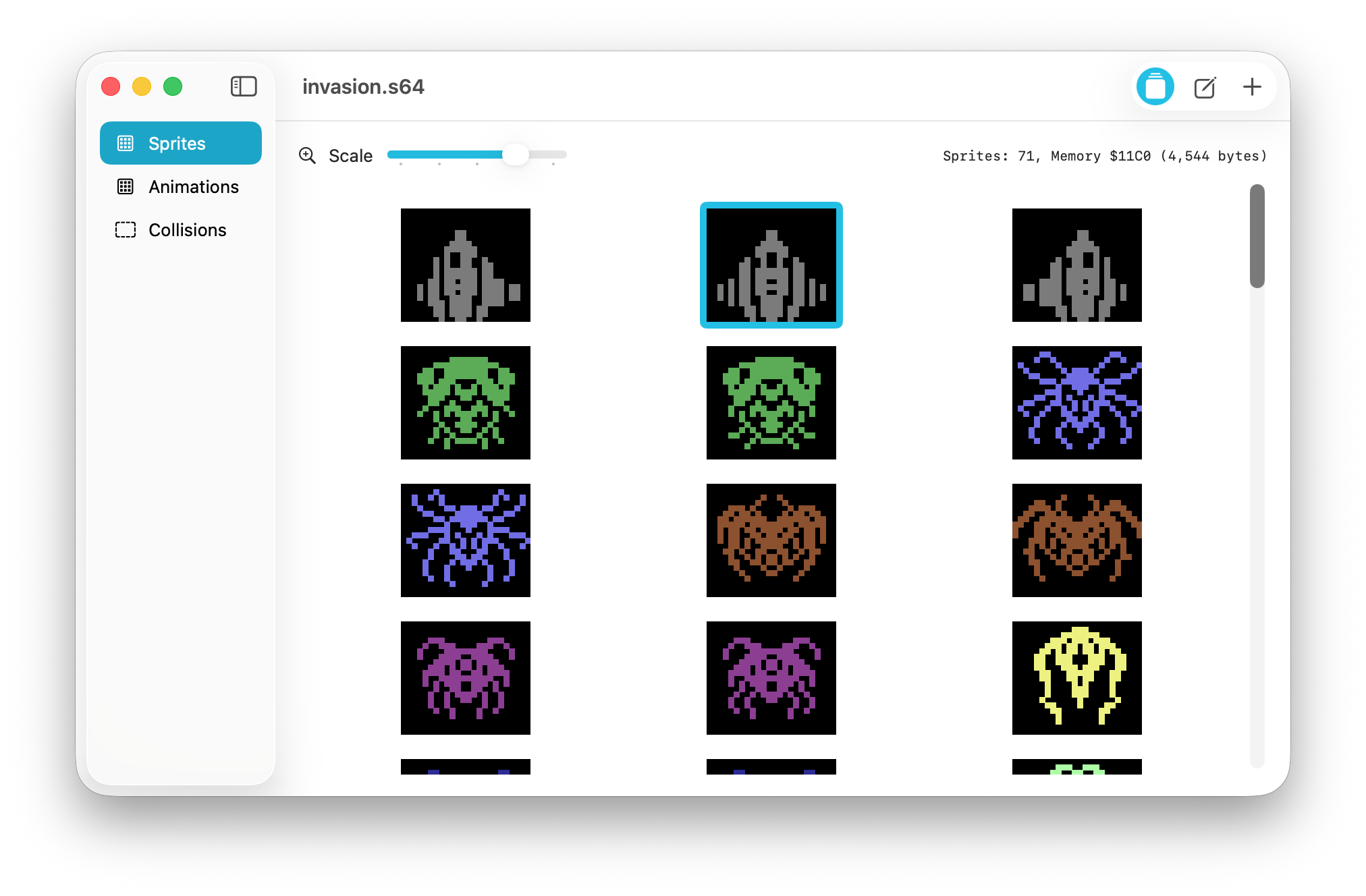
Sprite64 organizes work into three main areas:
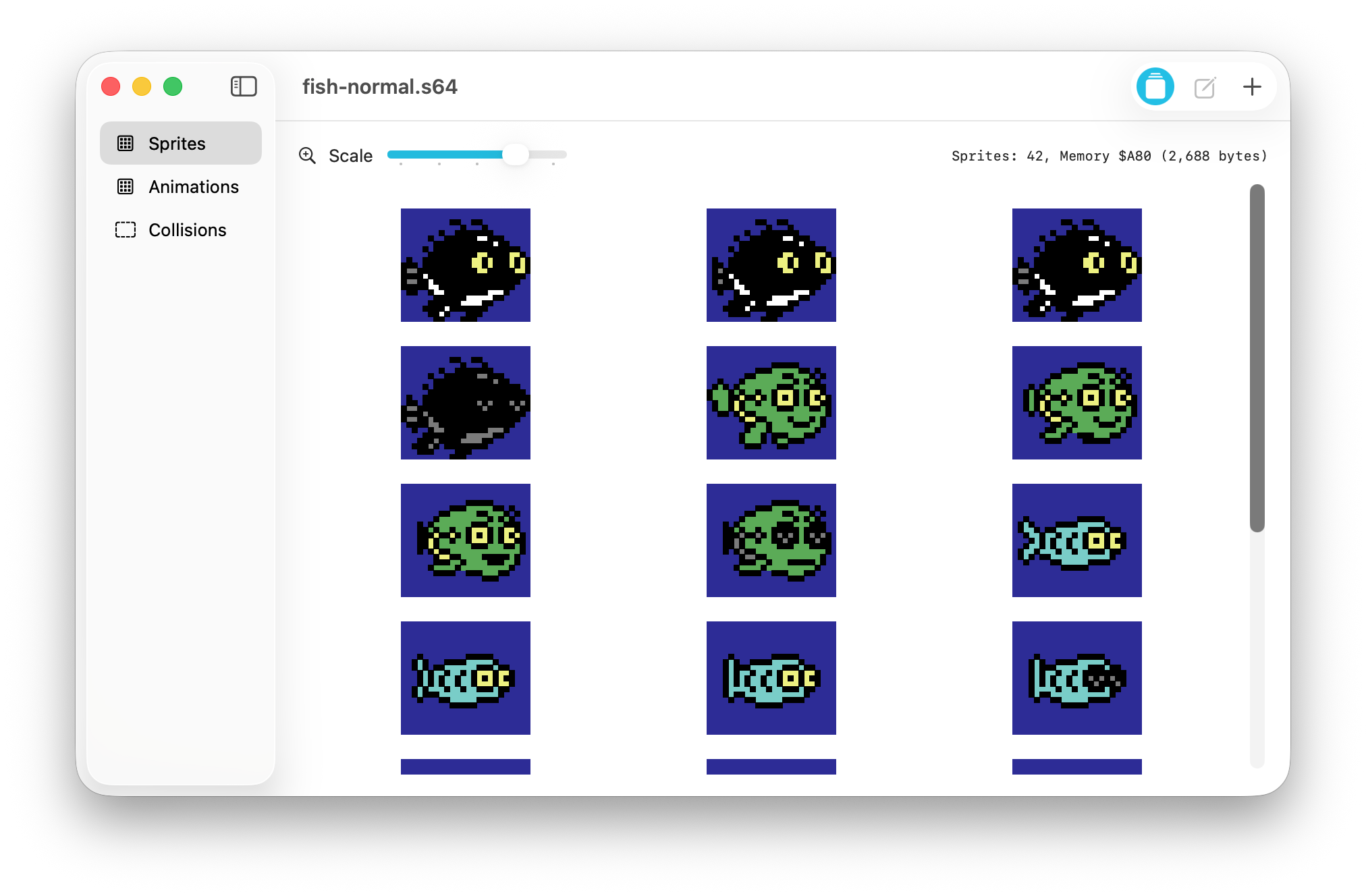
- Sprites: manage a sheet of sprite frames, reorder them, inspect memory usage, and open an individual sprite editor.
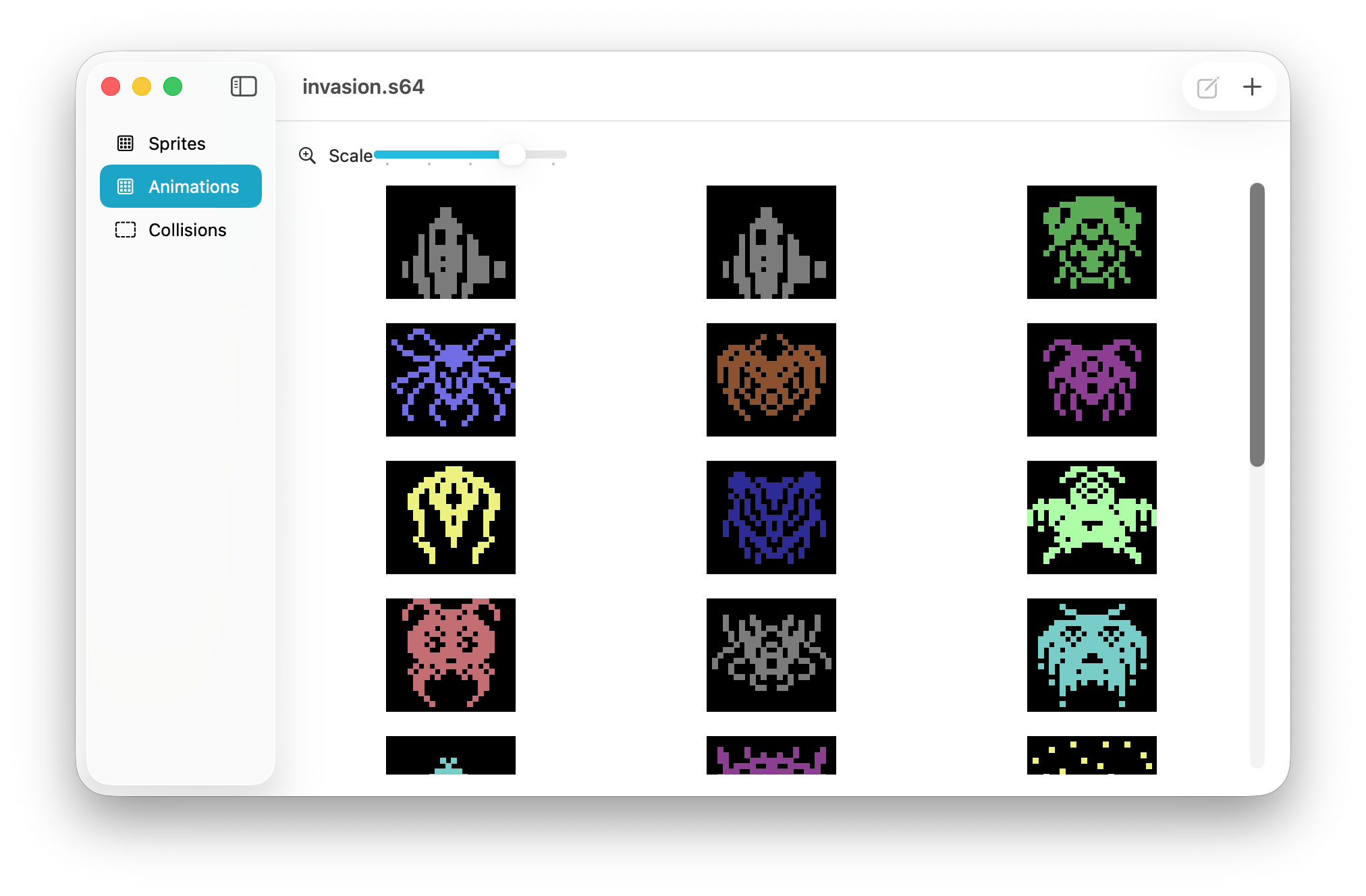
- Animations: create named animations from existing sprites, preview playback, define timing/type, and reorder frames.
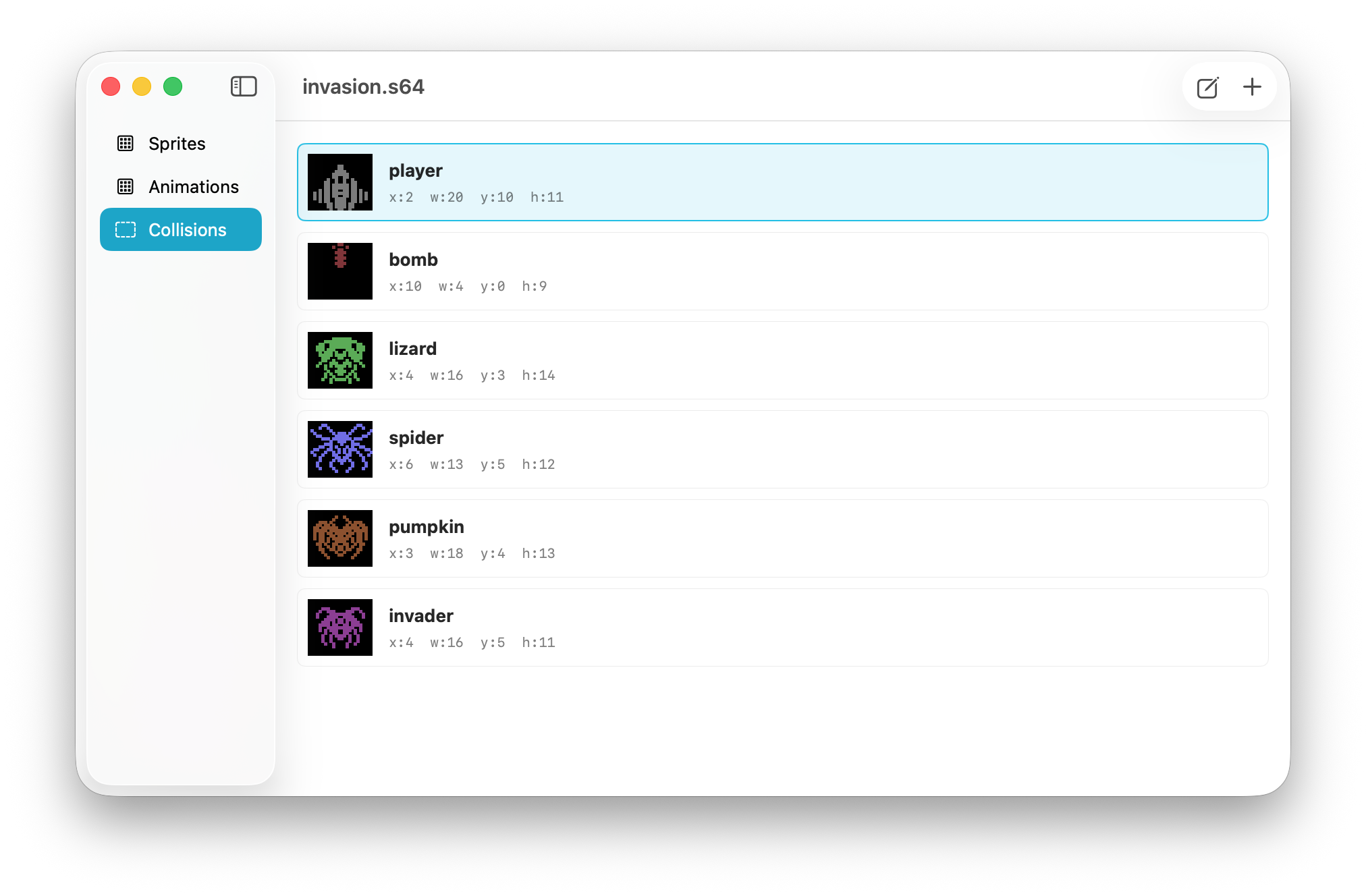
- Collisions: create named collision rectangles linked to sprites and edit them visually with draggable handles.
The app uses a sidebar navigation model and switches between sheet views and focused editors (sprite editor, animation editor, collision editor). Double-clicking items in the sheet views opens the relevant editor.
Sprite Editing Features
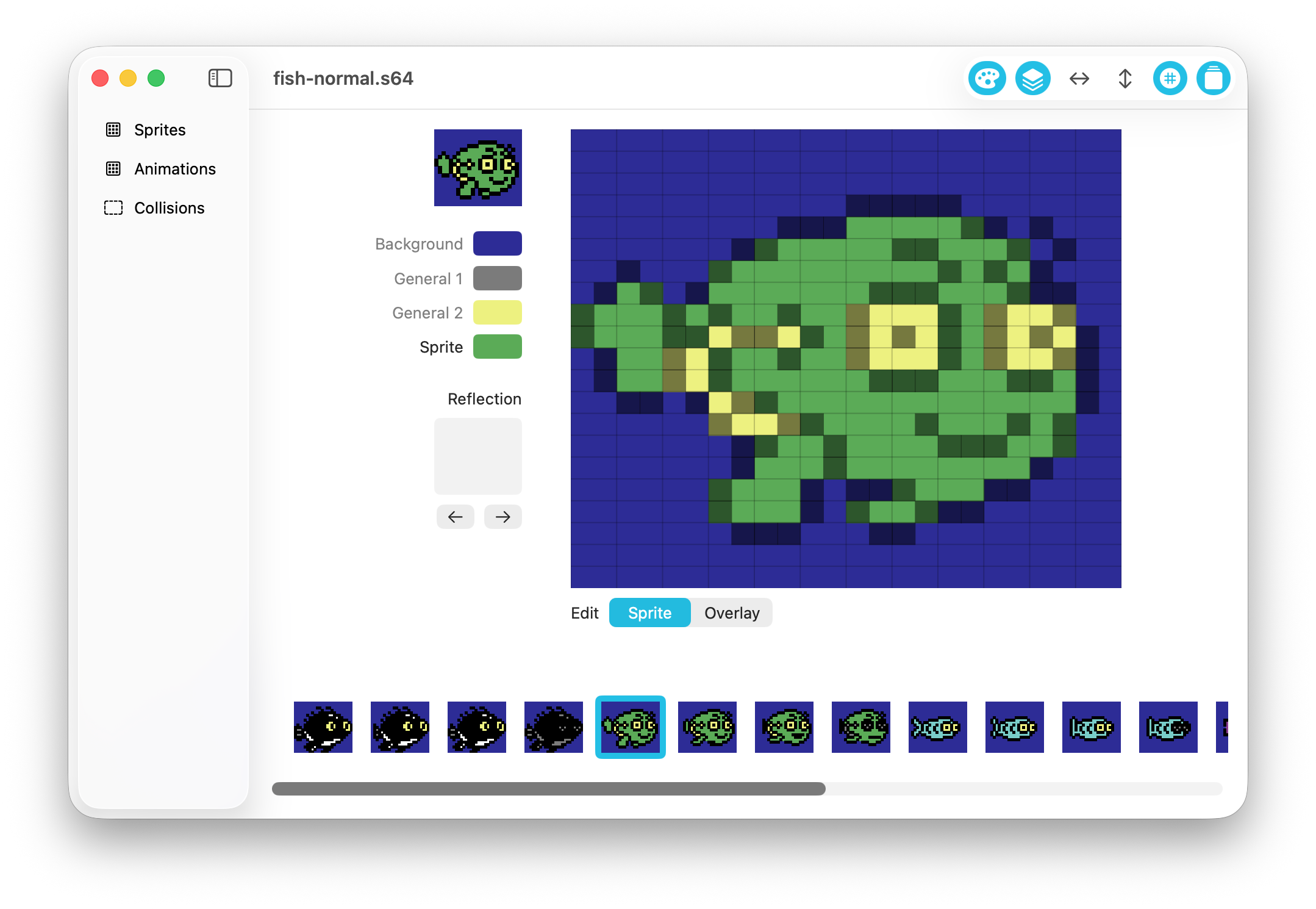
The sprite editor provides a pixel canvas for C64-style sprite drawing and editing, including:
- Pixel-level painting/erasing (left-click draw, right-click erase)
- Grid overlay toggle
- Palette color selection (background, shared multicolors, sprite/overlay color)
- Hi-res and multicolour sprite modes
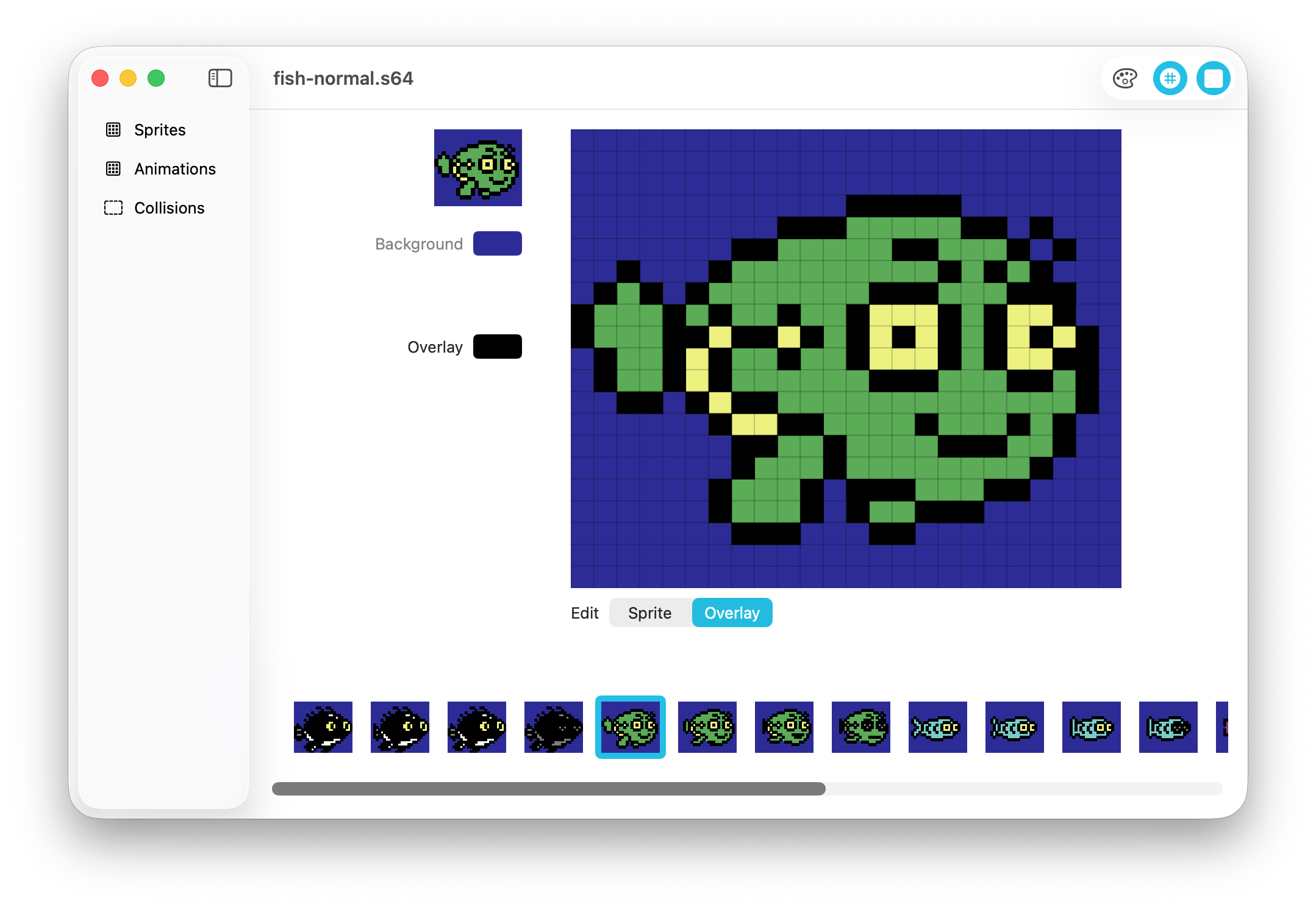
- Sprite overlays (stacking a second sprite on the next slot)
- Expand X / Expand Y flags
- Sprite transforms (shift and flip)
- Reflection linking (reference another sprite as a reflection target)
Sprite editing supports working on either the base sprite or its overlay sprite when overlays are enabled.
Animation Features
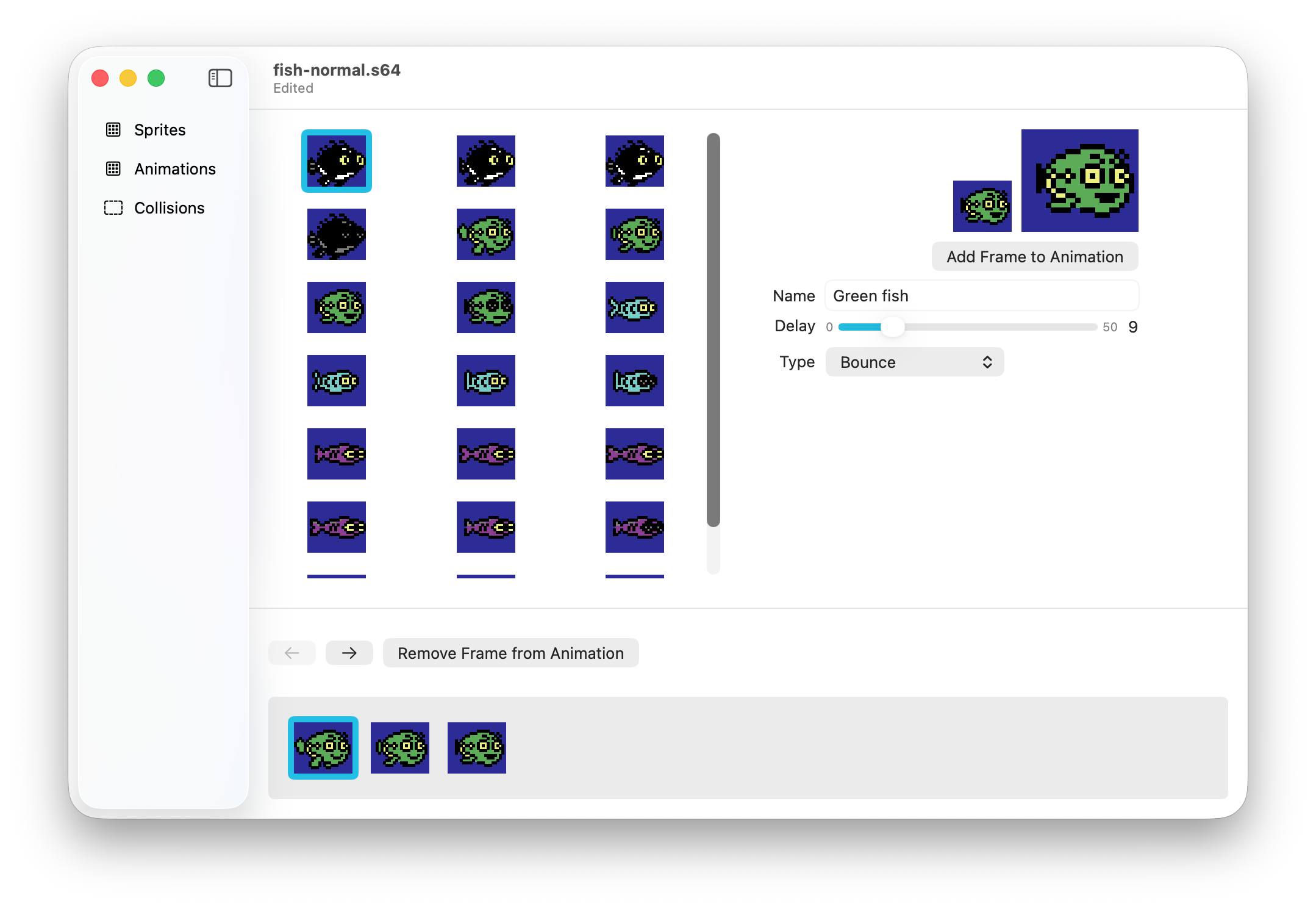
Animations are built by selecting sprites and appending them as frames. The animation editor supports:
- Named animations
- Playback preview at multiple sizes
- Frame ordering and frame removal
- Drag-and-drop frame reordering
- Animation timing (delay)
- Playback modes:
- loop forward
- play once
- bounce
- bounce once
- single frame
The sheet view also previews animations and supports drag-and-drop reordering of animations.
Collision Authoring
Collision support is integrated directly into the asset document. Each collision entry includes:
- A name
- A linked sprite for visual purposes
- Rectangle offsets and dimensions (x/y/width/height)
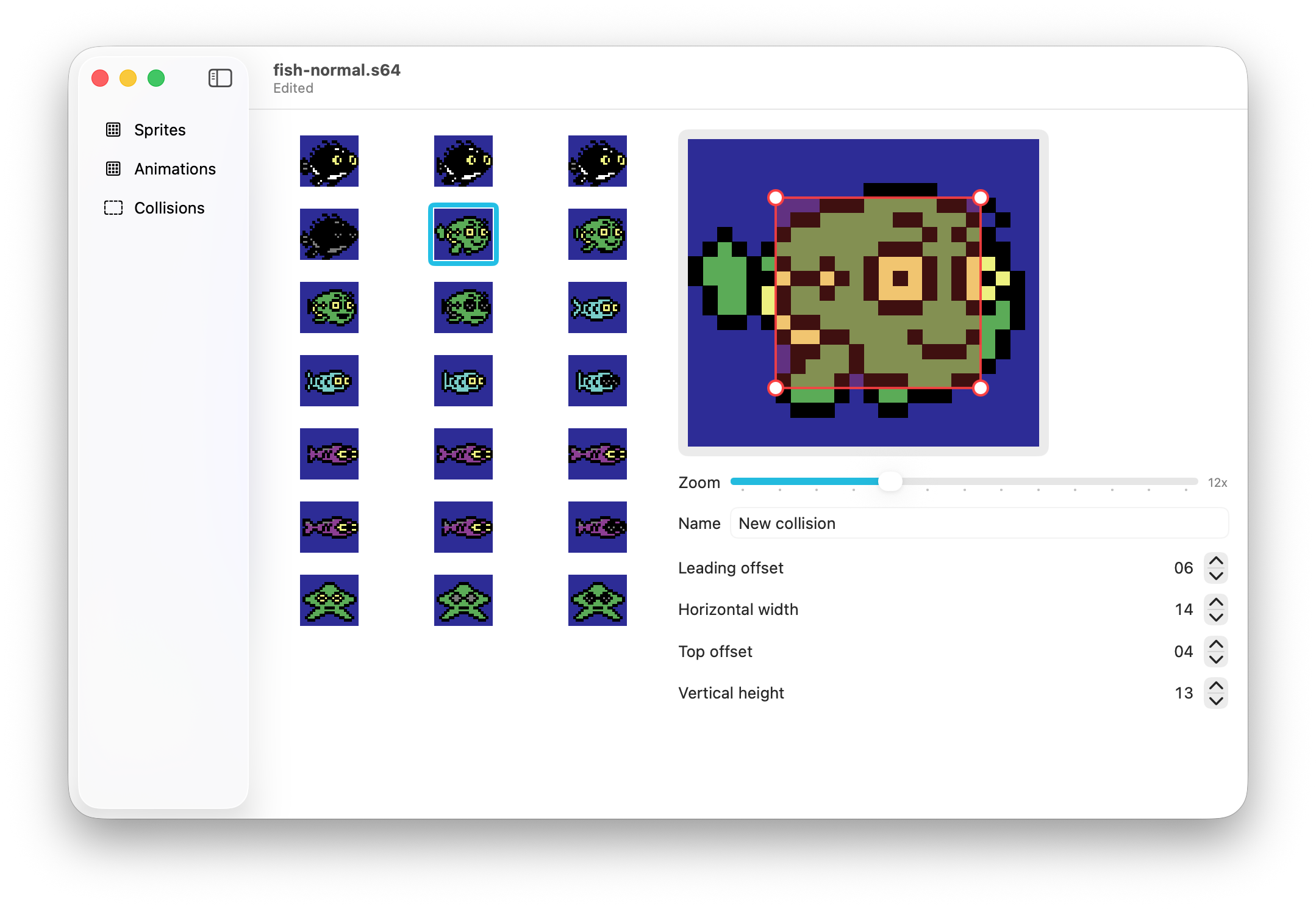
The collision editor overlays the collision rectangle on top of the selected sprite and allows:
- Direct manipulation with corner drag handles
- Numeric adjustment with steppers
- Bounds clamped to the 24x21 sprite dimensions
This makes it practical to maintain gameplay collision metadata in the same asset file as sprites and animations.
File Formats and Data Pipeline
Sprite64 supports a native document format and multiple import/export paths:
- Native .s64 document (a JSON-based app format)
- Import SpritePad .spd files (the parser supports multiple SpritePad versions where the data is compatible)
- Append raw sprite binary data
- Export raw sprite binary data (.bin)
- Export SpritePad v5 format (.spd)
- Export assembly-style metadata (.asm) including sprite frame offsets, flags, animation tables, and collision tables for use in your own game engine.
Who This App Is For
- Game developers and artists targeting the Commodore 64
- Developers migrating data from SpritePad into a richer MacOS-based workflow
- Teams that want sprite art, animation metadata, and collision data managed in one desktop tool
This app was originallt created for Design/Chaos game development and has been used in several released games for the Commodore 64 including Freaky Fish DX, Ewe Woz 'Ere DX, Dodonuts and Invasion Anarchy.
Screenshots