Retro Palette Lab
Retro Palette Lab is a MacOS app for building, editing, and exporting colour palettes for classic computers and consoles. It is designed for pixel artists, retro game developers, and homebrew projects that need palette data in real platform encodings.
Most color tools stop at generic RGB values but Retro Palette Lab focuses on real-world retro development by helping you design palettes in modern UI while exporting data in formats that classic hardware and homebrew pipelines actually use.
What It Does
Retro Palette Lab allows you to:
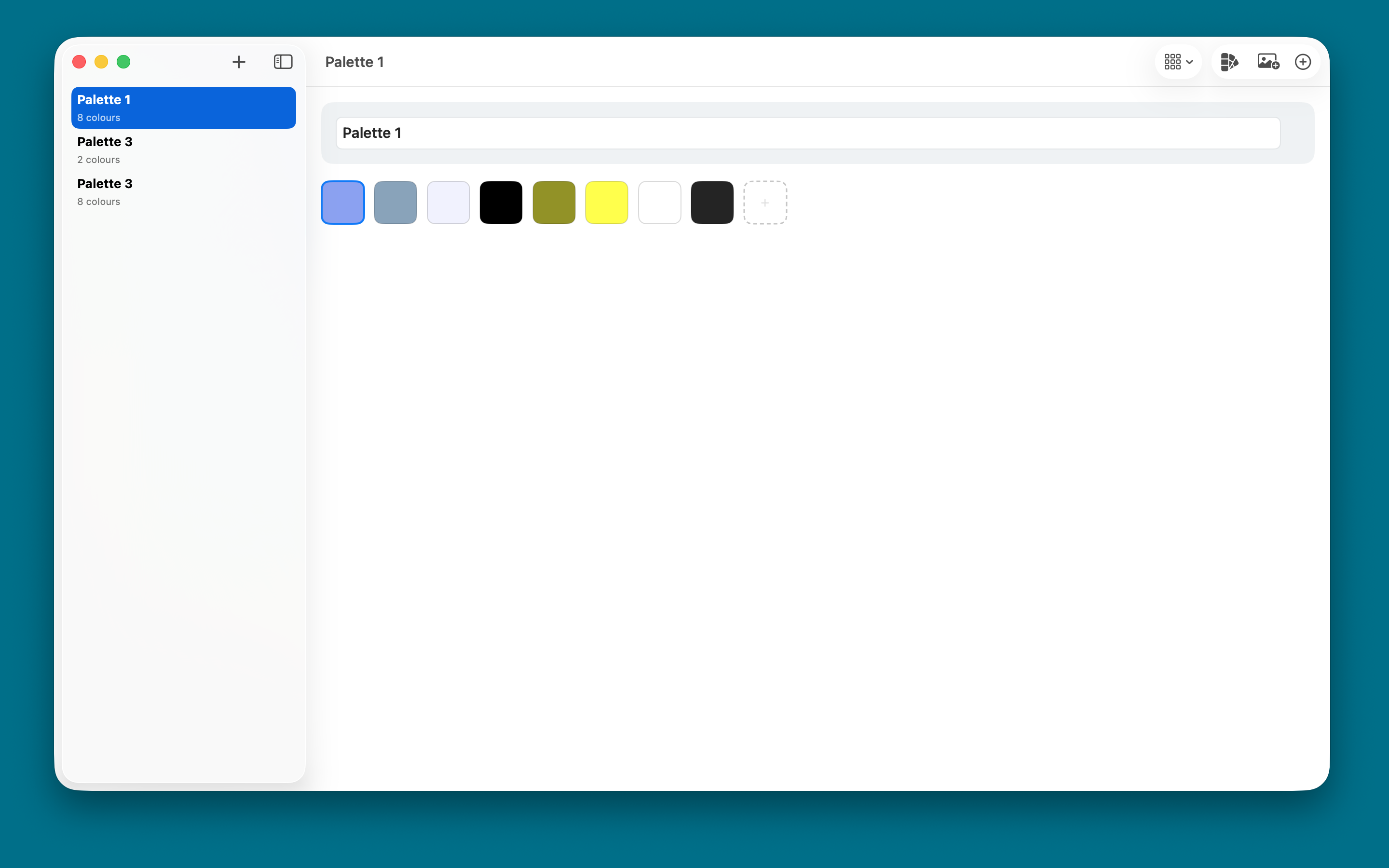
- Create and manage multiple named palette banks
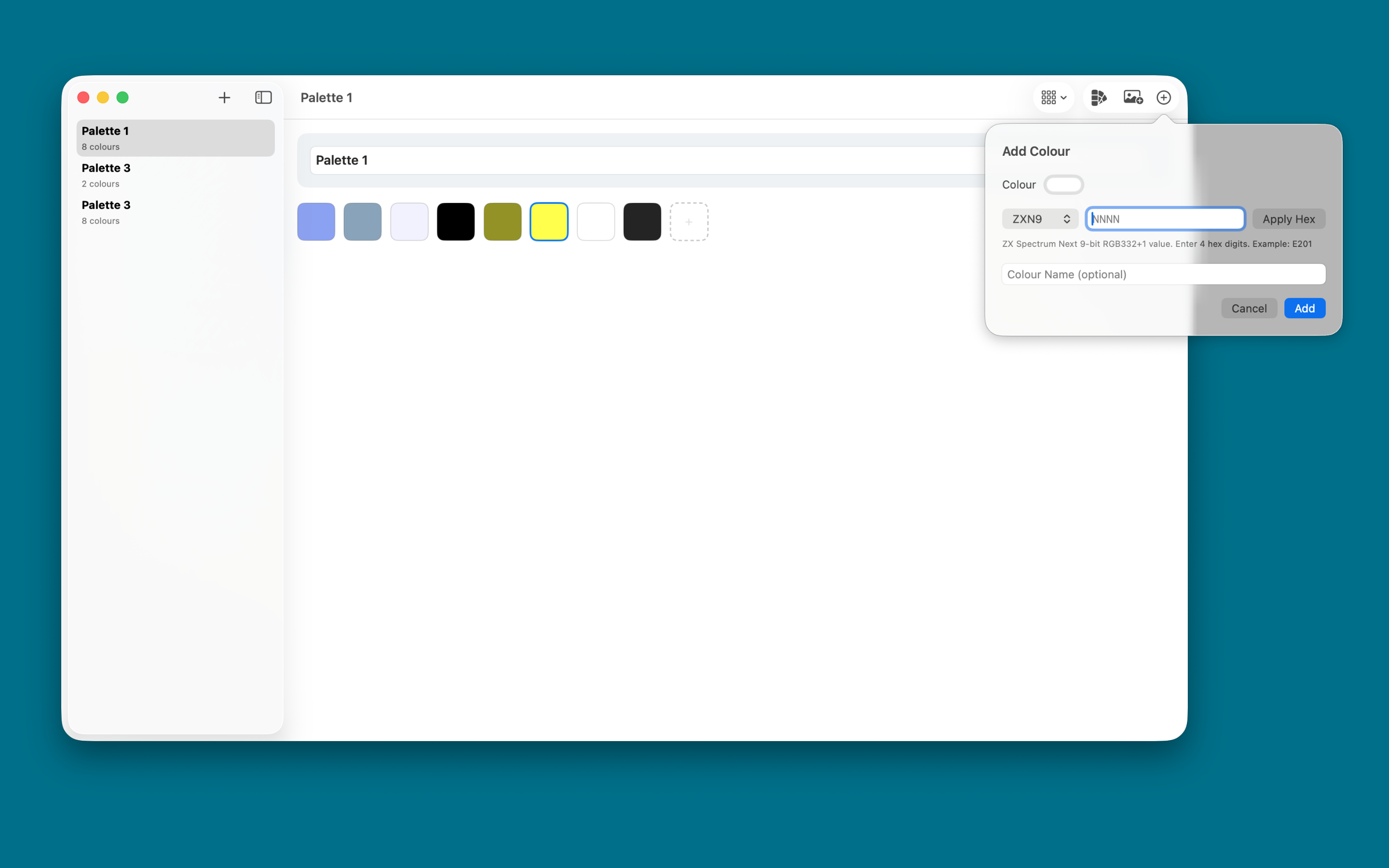
- Add colors with the MacOS colour picker
- Import an image and extract a starter palette of up to 16 colors
- Reorder colors with drag and drop
- Copy/cut/paste palette colors using a custom clipboard format
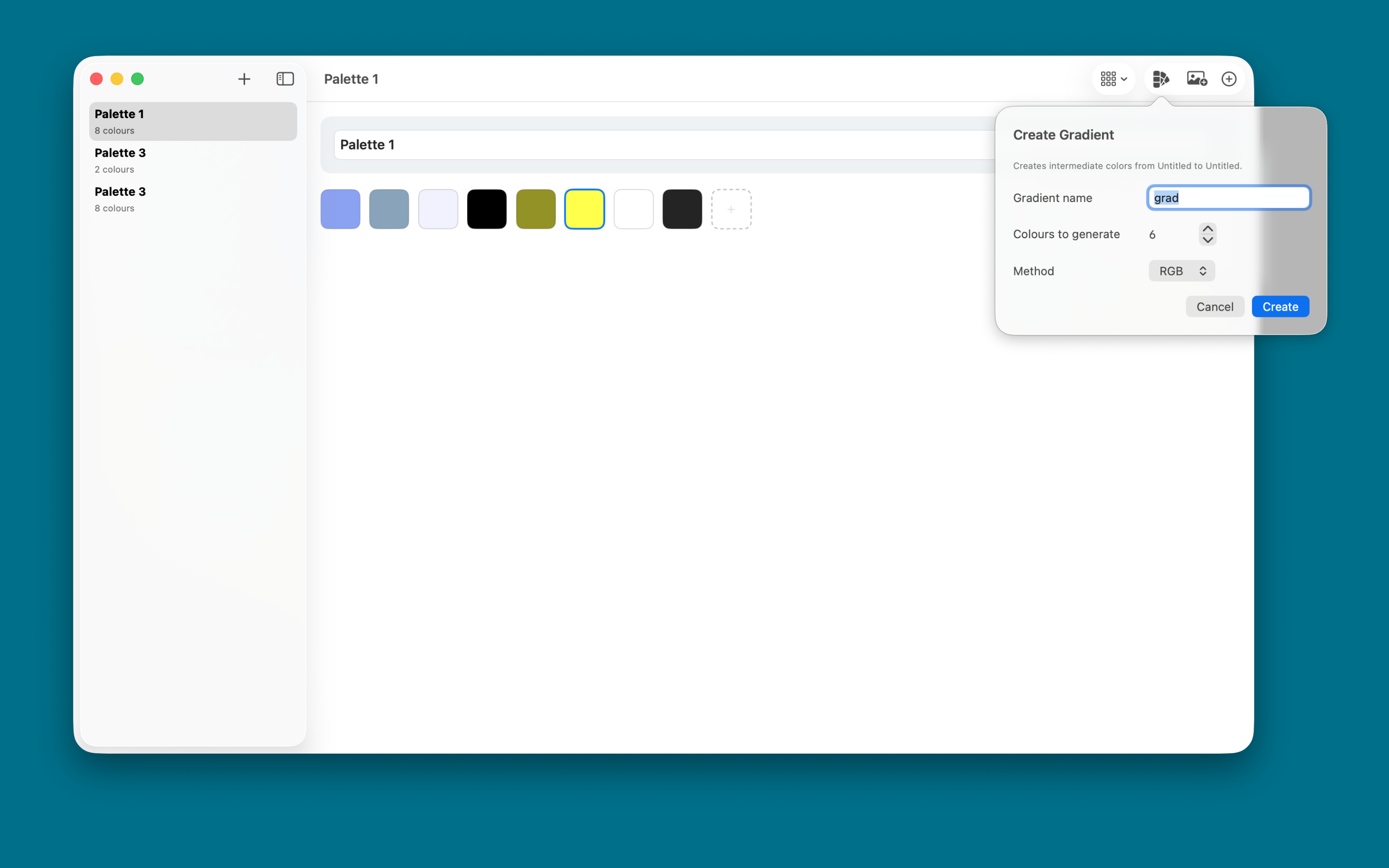
- Generate quantized gradients or crossfades between colors
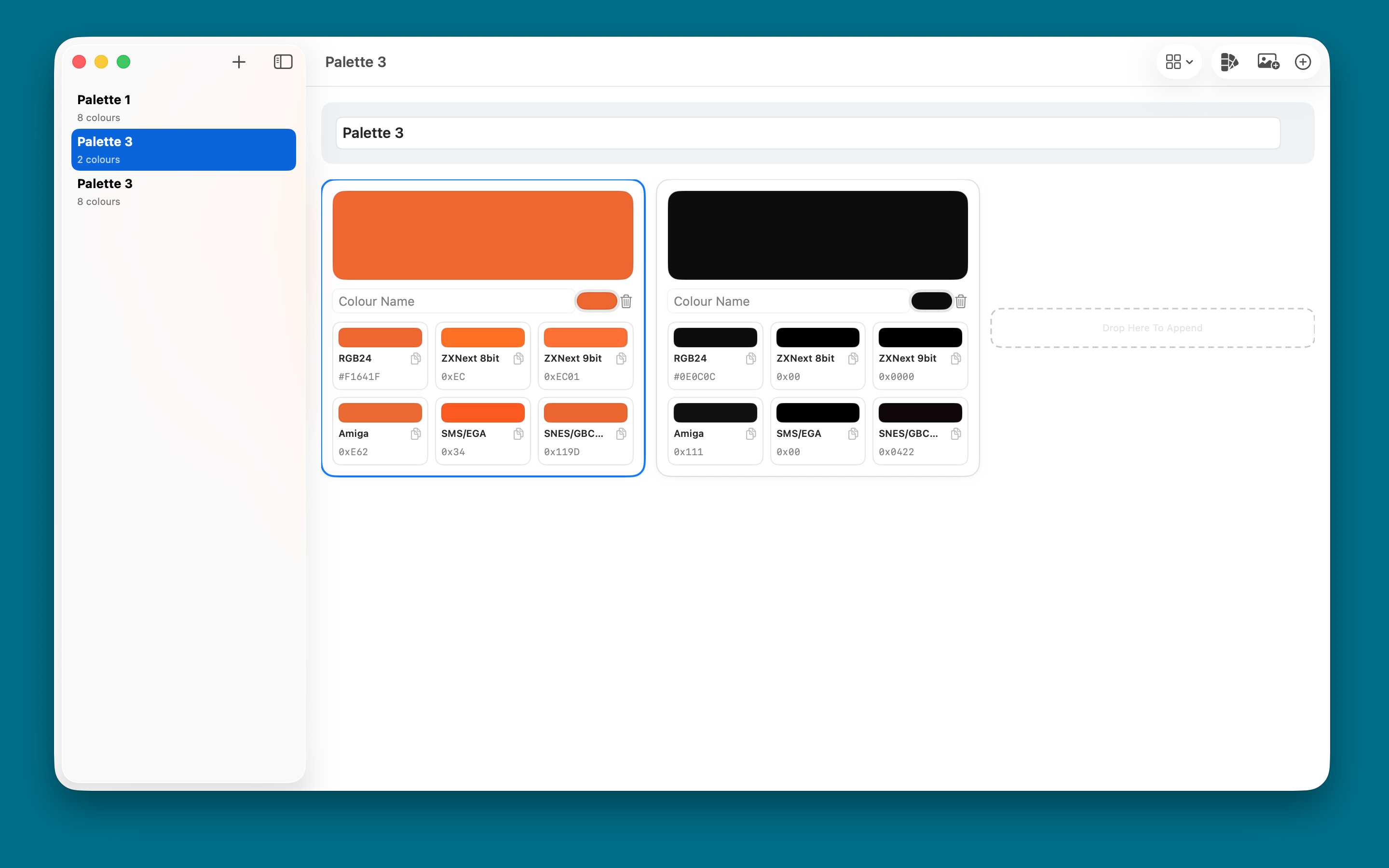
- Switch between list, grid, and compact swatch layouts
- Export palettes as binary or assembly/source data for retro platforms
Workflow
- Create a new palette bank in the sidebar.
- Add colors manually or import an image to extract dominant colors.
- Refine the palette by naming, reordering, deleting, and generating gradients.
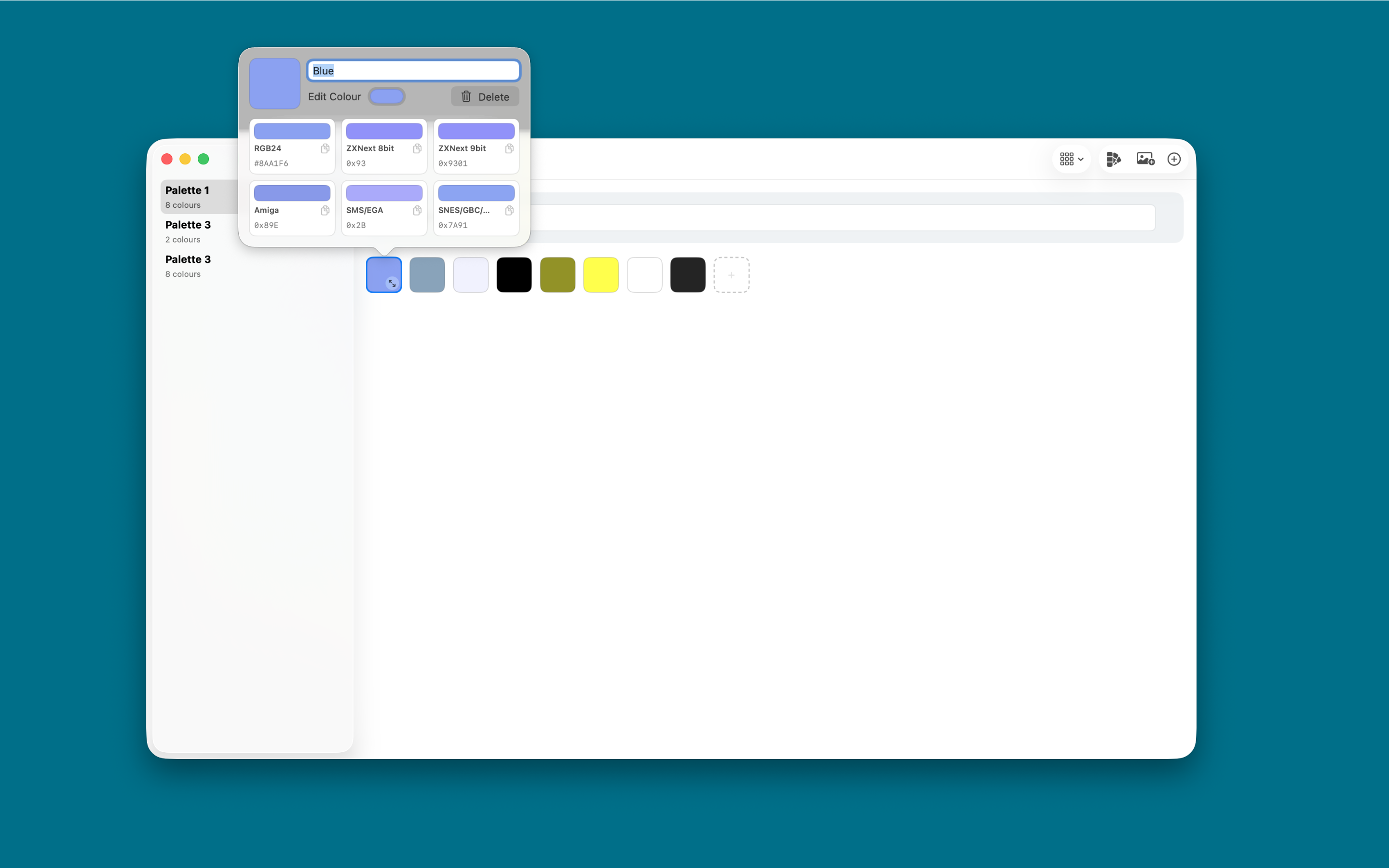
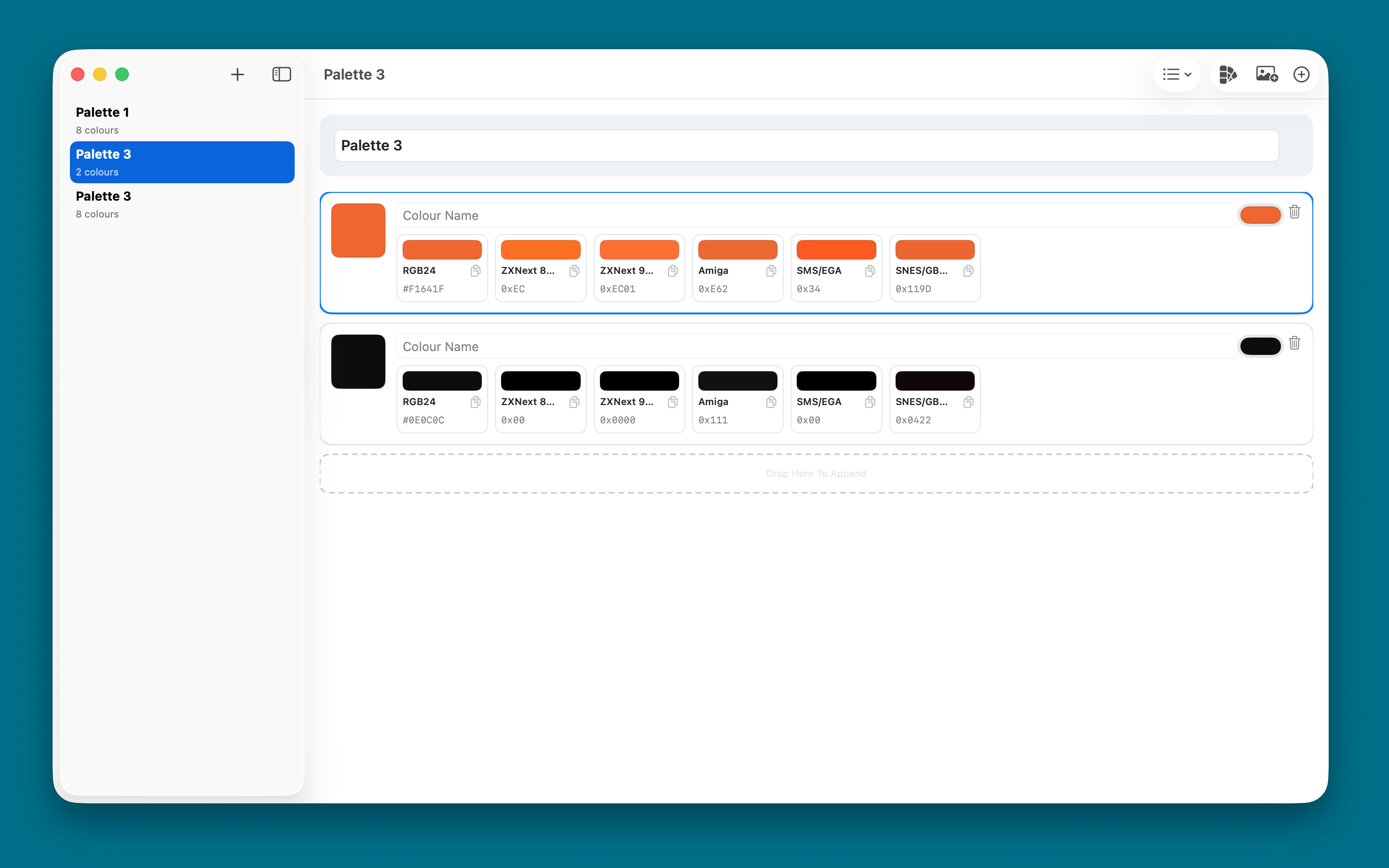
- Preview retro-format approximations for visible encodings.
- Export the palette in a target system format (.bin or .asm).
Supported Encodings and Export Targets
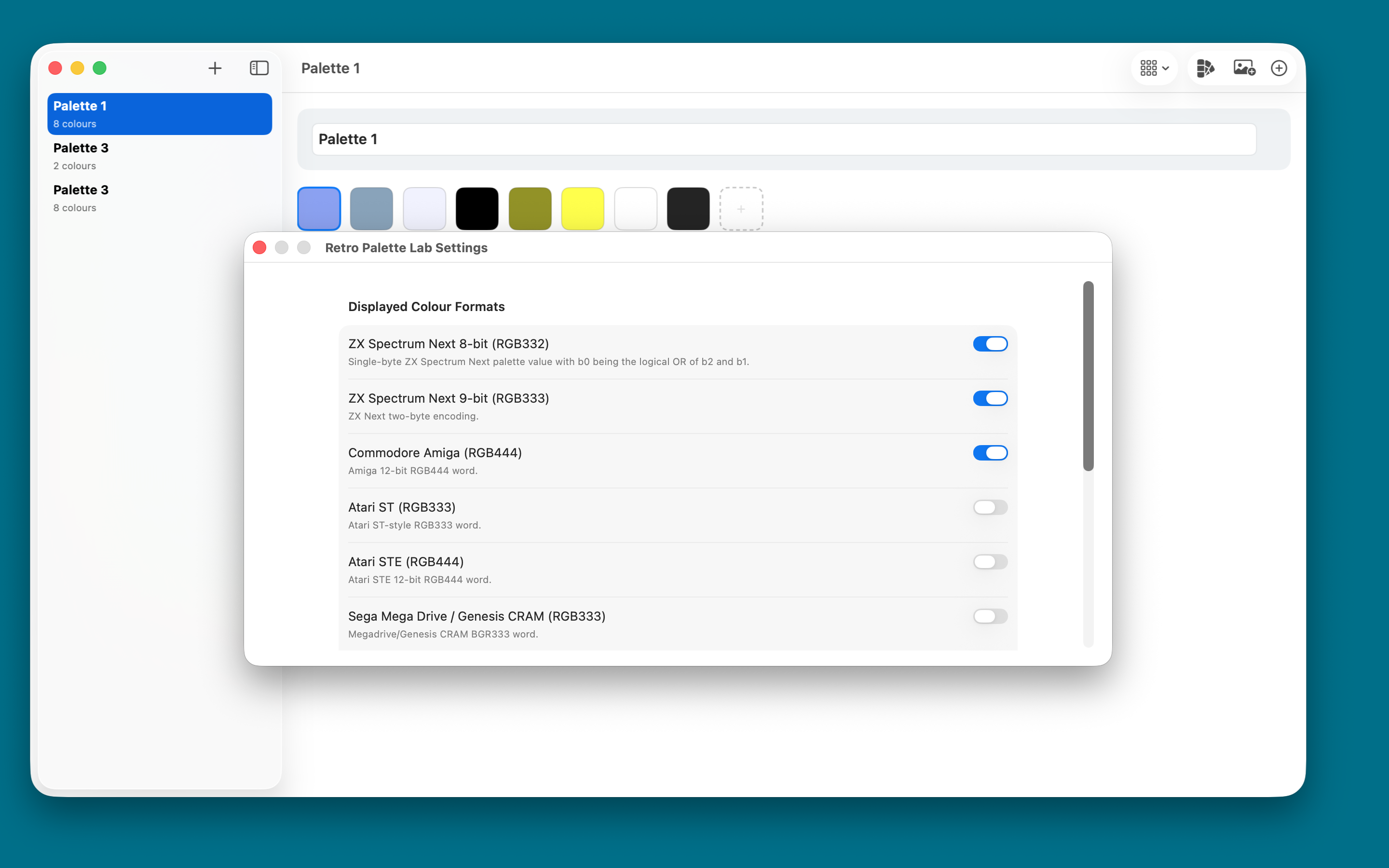
Retro Palette Lab supports display and export for multiple classic formats, including:
- ZX Spectrum Next
- Commodore Amiga
- Atari ST
- Atari STE
- Sega Mega Drive and Genesis CRAM
- Sega Game Gear
- Sega Master System
- EGA
- SNES
- GBC
- GBA
- PS1
- Sega Saturn
- VGA DAC
- MSX2
- PC Engine family
Exports are grouped by platform and can be saved as:
- Binary palette files (.bin)
- Assembly/source files (.asm)
Image Import and Palette Extraction
When importing an image, Retro Palette Lab samples the pixels and produces a compact palette of up to 16 colours.
Screenshots